10 Essential Tips for Personal Data Protection in 2026
With Vietnam's PDPL now effective in 2026, safeguarding your digital footprint is more critical than ever. Discover 10 top tips for securing your data on social media and mobile, from robust two-factor authentication to AI-driven scam awareness, ensuring your online safety.
10 Effective Tips to Protect Your Personal Data on Social Media and Mobile Phones You Need to Know in 2026
Welcome to 2026, an era where personal data has become "digital gold" and a prime target for cybercriminals! With Vietnam's Personal Data Protection Law (PDPL) officially taking effect on January 1, 2026, the privacy rights of every citizen have been elevated to an independent right, recognized and protected by law. However, hand-in-hand with a stricter legal framework comes the increasing sophistication and complexity of cyberattacks, especially with the aid of Artificial Intelligence (AI).
Did you know: According to the National Cybersecurity Association (NCA), in 2025, Vietnam faced approximately 552,000 cyberattacks, a 19.38% decrease compared to 2024. However, alarmingly, the level of damage soared, with 52.30% of agencies and businesses reporting being affected, a significant increase from 46.15% in 2024. Notably, cybercriminals are shifting towards selective attacks, focusing on data theft and executing double-extortion campaigns. Viettel Cyber Security also reported that 25.5 million personal account records were leaked in Vietnam in 2025, a 76% increase from 2024.
These figures are a clear warning that self-protection of personal data has never been more crucial. Here are 10 effective tips you need to know to keep your information safe on social media and mobile phones in 2026.
1. Enable Two-Factor Authentication (2FA/MFA) for All Accounts
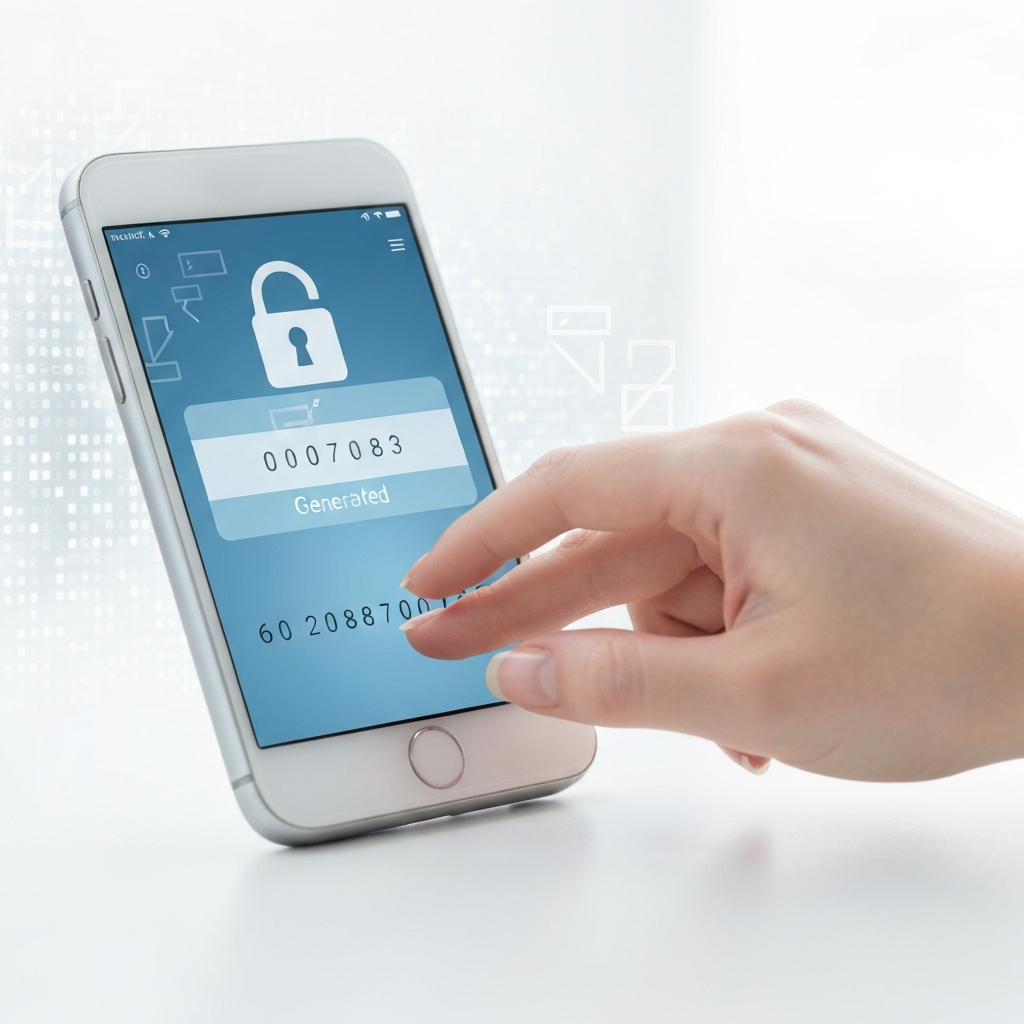
You might think a strong password is enough, but in the face of increasingly sophisticated phishing and data theft attacks, often aided by AI, 2FA is an essential layer of defense. 2FA requires you to provide an additional verification code from another device (usually your phone) in addition to your password.
Pro Tip: Instead of SMS (which is vulnerable to SIM swap attacks), prioritize authenticator apps like Google Authenticator, Microsoft Authenticator, or hardware security keys.
2. Take Control of Social Media Privacy: Perform Regular "Digital Spring Cleaning"
In 2026, platforms like Facebook, Instagram, and TikTok continue to update policies, collecting more data than ever before, including precise GPS location and even voice samples for AI training, unless you actively disable them.
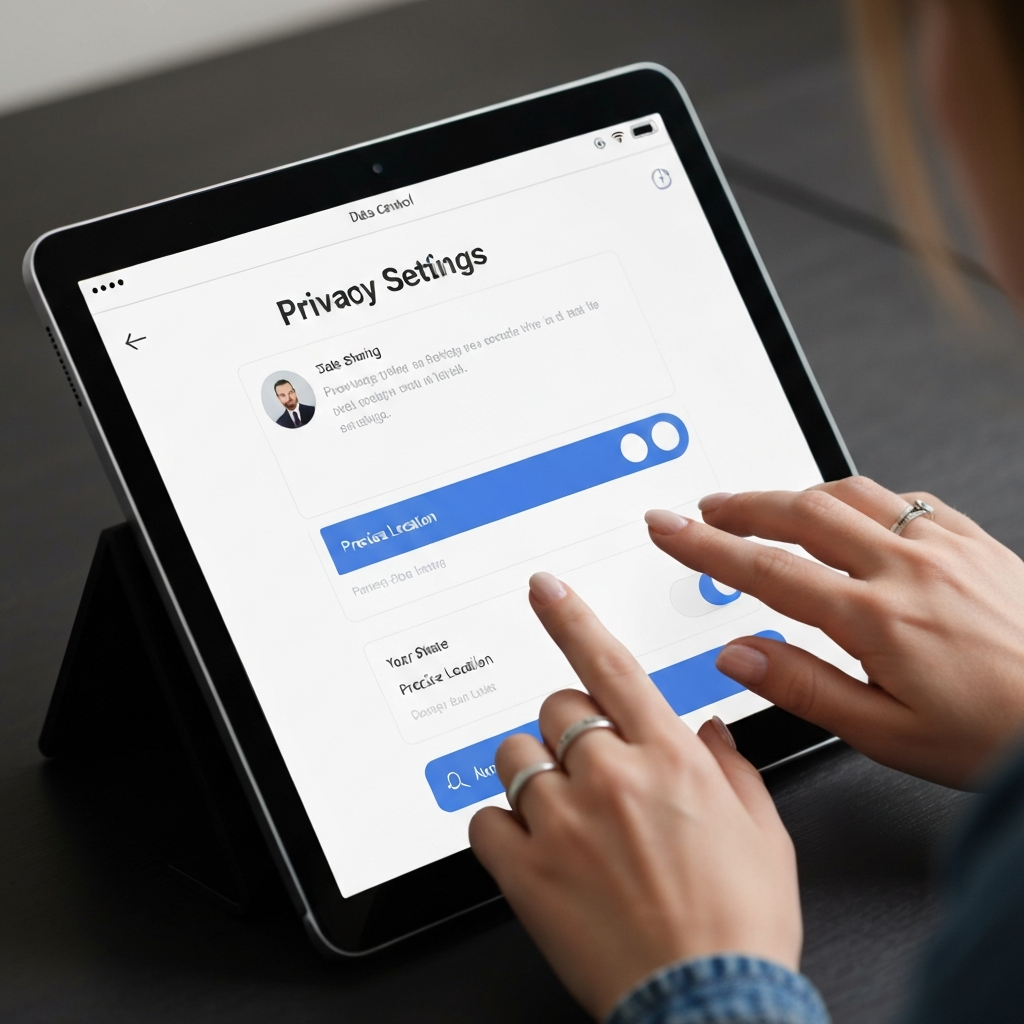
Set accounts to private (Private/Friends Only): This is the single most important step for Instagram and TikTok.
Disable Precise Location: Turn this off at the device level for all social media apps.
Check and disable facial recognition/voice data collection: On Facebook, go to Settings & Privacy > Settings > Face Recognition and turn it off.
Review "Off-Facebook Activity" / "Google My Activity": See what data other websites and apps send to Facebook/Google and turn these off.
Audit app permissions: Revoke access for old apps, games, or services you no longer use. They might still retain your data.
3. Use a Password Manager & Strong, Unique Passwords
Passwords are your first line of defense. Reusing passwords is one of the biggest security mistakes. A data breach on one random website can lead to your other accounts being compromised.
Best Practices:
Use a password manager like LastPass, Bitwarden (free), or Google Password Manager to generate and store complex, unique passwords for each account.
Passwords should be at least 12 characters long, combining uppercase, lowercase, numbers, and special characters.
Consider using Passkeys to replace traditional passwords for enhanced security.
4. Always Update Your Operating System and Apps
Developers constantly release security patches for newly discovered vulnerabilities. Failing to update your device leaves the door open for hackers.
Enable automatic updates for your OS (Android/iOS) and all applications.
According to the December 2025 Android Security Bulletin, Google identified dozens of critical vulnerabilities. Alarmingly, approximately 39% of Android users are running versions older than Android 13, which no longer receive security updates.
5. Be Wary of Public Wi-Fi and Always Use a VPN
Free public Wi-Fi at cafes and airports is a "gift" for hackers. They can easily intercept and steal your information.
Use a VPN (Virtual Private Network): When connecting to public Wi-Fi, a VPN encrypts your internet traffic, protecting your data from eavesdroppers.
Prioritize mobile data: If possible, use 4G/5G instead of public Wi-Fi.
6. Strictly Manage App Permissions on Your Phone
Many apps request unnecessary access (e.g., a photo editing app doesn't need access to your microphone or contacts).
Review and revoke permissions: Regularly check your phone's "Permissions Manager" and revoke unnecessary permissions.
Enable "Remove permissions if app is unused": This feature automatically revokes permissions for apps you haven't used in several months, reducing your attack surface.
For Android, newer versions like Android 15 and 16 have introduced features like "Advanced Protection Mode" and "Identity Check" (Biometric Gating) to enhance security.
7. Regularly Back Up Your Data and Encrypt Backups
In case your device is lost, damaged, or hit by ransomware, having backups will help you recover critical information. Ransomware attacks were among the five most common attack methods in Vietnam in 2025, causing severe damage.
Schedule regular backups: Back up photos, documents, and contacts to reputable cloud services (Google Drive, iCloud) or external hard drives.
Encrypt backups: Ensure these backups are encrypted so no one can access them without the key. For instance, Google backups offer an encryption option.
The "Private Space" feature on Android 16 allows you to create a separate, sandboxed environment for sensitive apps, requiring separate authentication to open, ideal for banking or health applications.
8. Heighten Vigilance Against Phishing and Deepfake Scams
In 2026, online scams are more sophisticated than ever thanks to AI. Phishing emails and messages may no longer contain spelling errors, perfectly mimic legitimate brands, and even be personalized based on information collected about you.
Do not click suspicious links: Always double-check email addresses, sender names, and content before clicking any links or downloading attachments.
Verify information: If there's an urgent request involving money or personal information, verify it through official channels (call the bank/company's official number directly, not a number from the email/message).
Beware of Deepfakes: AI-generated fake videos and audio (deepfakes) can be used for scams. Always verify the identity of the caller/sender when receiving unusual requests.
"Enhanced Safe Browsing" in Chrome can send URLs to Google for real-time checks against phishing sites and integrates with Android messaging apps to flag AI-generated scam texts.
9. Encrypt Data on Mobile Devices
Data encryption is the process of converting information into an unreadable form without a decryption key. Most modern smartphones have built-in encryption features.
Ensure your device has full disk encryption enabled.
Use iOS Keychain or Android Keystore to store sensitive information like authentication tokens, API keys, and user credentials.
Never store sensitive information in plain text files or standard shared preferences.
10. Understand Vietnam's Personal Data Protection Law (PDPL)
Vietnam officially implemented its Personal Data Protection Law (PDPL) on January 1, 2026, along with Decree 356/2025/ND-CP for its implementation. This law grants citizens more control over their personal data.
Right to be informed: You have the right to know about the processing of your personal data.
Right to consent/withdraw consent: You have the right to consent or object, and to withdraw consent for the processing of your personal data.
Right to access, rectify, erase: You can request to view, correct, or delete your personal data.
Right to complain, denounce: If your rights are violated, you have the right to complain, denounce, and seek compensation.
Social media platforms cannot demand images or identity papers for account verification: This is a notable point of the PDPL, aimed at protecting users' personal information.
Understanding these rights will empower you to demand compliance and protection of your data from organizations and businesses. The maximum fine for buying and selling personal data can be up to 10 times the revenue obtained from the violation.
Protecting personal data is an ongoing journey, not a destination. By applying these tips and staying informed about new threats, you will build a strong "shield" for your digital life in 2026.
You can find exquisite handmade gifts that reflect meticulous attention to detail and appreciation for craftsmanship at tranhchi.com. Just as we care for personal data, each string art piece is created with care and dedication, offering lasting and unique value.