Top 5 Personal AI Assistants to Skyrocket Your Productivity in 2026

Feeling overwhelmed by your endless to-do list and packed schedule? Artificial Intelligence (AI) is your secret weapon. Discover the 5 leading personal AI assistants of 2026 designed to automate, organize, and amplify your work output. Learn how to work smarter, not harder, and reclaim your valuable time!
The way we work is rapidly evolving, and Artificial Intelligence (AI) is a primary driver of this transformation. If you're drowning in emails, meetings, and an ever-growing task list, you're not alone. An EY 2025 survey revealed that 64% of employees perceived an increase in their workloads over the past year. The good news? AI can be your most powerful ally. Studies indicate that AI visibly boosted productivity for many employees in 2025, especially in knowledge tasks like writing, research, or programming, with gains ranging from 10% to 25%. Some generative AI users even reported saving an average of 2.2 work hours weekly.
This trend is particularly robust in Vietnam, where an estimated 78% of the online population engaged with AI in 2025, with one-third making it a daily habit. Vietnamese companies adopting generative AI are seeing time savings of up to 40% in tasks like report writing and marketing content creation.
So, how can you harness this potential? The key lies in effectively choosing and utilizing personal AI assistants. In this article, we'll explore the top 5 personal AI assistants of 2026, tools designed to optimize your work productivity like never before.
Why Personal AI Assistants Are Essential for Modern Productivity
In our hyper-connected, information-dense era, managing time and attention is more challenging than ever. Personal AI assistants are not just simple automation tools; they are learning systems that adapt to your unique work patterns, providing personalized assistance.
Key benefits of integrating AI assistants include:
Automating Repetitive Tasks: AI can handle time-consuming chores like scheduling, basic email responses, and document summarization, freeing you to focus on higher-value work.
Intelligent Schedule Management: They prevent conflicts, automatically find optimal meeting times, and even rearrange tasks when priorities shift. Professionals, on average, lose 4.8 hours per week to manual scheduling, a problem AI can significantly mitigate.
Enhanced Decision-Making: By analyzing data, summarizing information, and delivering quick insights, AI helps you make more informed decisions.
Reducing Context Switching: Constantly shifting between different tasks significantly decreases productivity. AI assistants help you maintain a state of "deep work" by handling interruptions in the background.
Top 5 Personal AI Assistants to Supercharge Your Productivity
1. Google Gemini: The All-in-One Google Ecosystem Assistant
Google Gemini is rapidly emerging as a powerful AI assistant, especially for those deeply embedded in the Google ecosystem. Built on advanced generative AI and large language models, Gemini boasts multimodal capabilities (text, image, audio, video) and deep integrations with Google Workspace apps like Gmail, Docs, Drive, and Calendar.
Key Features:
Seamless Google Workspace Integration: Draft emails in Gmail, summarize documents in Google Docs, generate images for presentations, organize spreadsheet data, and automatically capture meeting notes.
Multimodal Understanding: Not only processes text but also understands and leverages information from images and videos (e.g., pulling license plate numbers from Google Photos if connected).
Gemini Live & Mobile Experience: On Android, Gemini replaces Google Assistant, offering natural voice interaction and the ability to ask questions about on-screen content.
"Double-Check" Feature: Highlights verified facts in green and provides direct source links, enhancing factual accuracy.

Productivity Boost: Gemini acts as an intelligent "productivity layer" that accelerates your daily tasks within the Google ecosystem. It saves significant time across writing, research, data handling, and creative tasks. Its ability to automate workflows across applications reduces friction and boosts efficiency.
Best For: Individuals and businesses heavily invested in Google's suite of applications.
Pricing: Offers a free tier and a paid plan (Gemini Advanced, around $19.99/month) for access to more powerful models and additional storage.
2. ChatGPT: The Versatile Conversational Assistant
OpenAI's ChatGPT has become a foundational platform in the AI space and an indispensable multi-tool for many creators and professionals. It excels not only in text generation but also serves as a robust hub for ideation, drafting, and complex problem-solving across various media formats.
Key Features:
Natural Language Conversation: Answers questions, brainstorms ideas, drafts text from emails to blog posts, or even code snippets.
Flexible Content Generation: Capable of producing diverse content types, from long summaries to short blurbs, while maintaining consistent tone and style.
Custom Workflows: Save effective prompts as "mini-assistants" for repeated tasks, such as routine summaries or email replies.
Data Analysis Capabilities: Can be used for data analysis when provided with context or data files.
Productivity Boost: ChatGPT significantly speeds up drafting, initial research, and brainstorming processes. It reduces the time spent starting from scratch, allowing you to allocate more effort to refinement and deeper development.
Best For: Everyday Q&A, brainstorming, drafting, data cleanup, and custom workflows for complex tasks.
Pricing: Available with a free version and a paid ChatGPT Plus plan (around $20/month) for access to advanced models.
3. Motion: The Auto-Scheduling & Project Management Expert
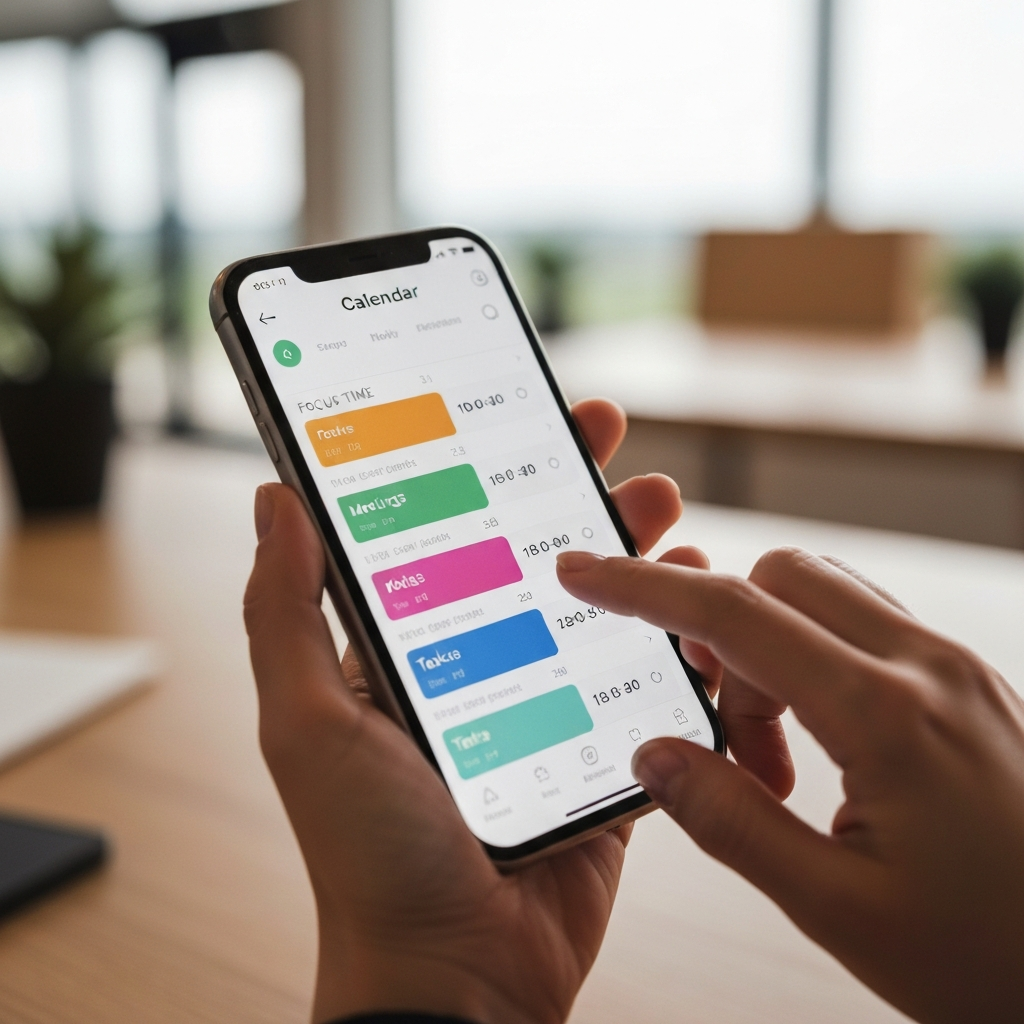
Motion is highly acclaimed as a top tool for integrated auto-scheduling and project management. It combines a task manager, project manager, and calendar into a single intelligent system, with AI acting as a personal assistant to automatically organize your day.
Key Features:
AI-Driven Auto-Scheduling: Motion automatically blocks your to-do list and meetings onto your calendar based on your real availability and priorities. It can transform hundreds of tasks into a concrete plan.
Dynamic Schedule Adjustment: When a new meeting pops up or priorities change, Motion automatically re-shuffles your entire schedule.
Integrated Project Management: Ideal for users who want one tool to manage everything, from small tasks to large projects.
Smart Meeting Booking: Utilizes natural language processing (NLP) to book meetings directly from a single email.
Productivity Boost: Motion completely removes the burden of manual planning and constant context switching. By autonomously optimizing your schedule, it ensures you have dedicated focus time for critical work, reduces stress, and enhances your sense of control over your day.
Best For: Entrepreneurs, small teams, and highly organized individuals seeking a unified tool for strict task and schedule management.
Pricing: Paid plans start from approximately $34/month.
4. Notion AI: The Workspace & Knowledge Management Assistant
Notion has long been a popular workspace management tool, and with the integration of Notion AI, it transforms into an intelligent "second brain" capable of processing, organizing, and generating content directly within your workspace.
Key Features:
Writing & Content Creation Support: Drafts, summarizes long documents, brainstorms ideas, and generates various content types directly within Notion pages.
Automated Notes Management: Reads docs, writes fresh content, makes notes, transcribes meetings, and sorts documents efficiently.
Intelligent Information Retrieval: Goes beyond a simple note repository to surface relevant information when needed, perhaps even before you realize you need it.
Deep Workspace Integration: AI operates seamlessly with your existing databases, documents, and notes within Notion.
Productivity Boost: Notion AI significantly reduces the time spent on information management and content creation. It turns Notion into an intelligent hub where you can organize thoughts, develop ideas, and produce documents faster, focusing on depth rather than administrative tasks.
Best For: Individuals, marketers, and small teams already using Notion as their primary workspace for note-taking and document management.
Pricing: Offers a free plan and paid plans starting from about $10/month.
5. Reclaim.ai: The Scheduling & Habit Automation Assistant

Reclaim.ai is a smart calendar assistant focused on protecting your productive time, automating habits, and managing your schedule flexibly. It's designed to help individuals and teams manage time for meetings, tasks, and habits.
Key Features:
Dynamic Scheduling: Automatically schedules tasks and habits around your meetings, dynamically adjusting your calendar as priorities shift.
Focus Time Protection: Automatically creates uninterrupted "focus blocks" on your calendar, minimizing conflicts and allowing for deeper work.
Habit Automation: Books time for your daily or weekly habits (e.g., lunch breaks, exercise, reading time) and Reclaim.ai finds the optimal slots.
Team Calendar Sync: Helps teams avoid conflicts by syncing work hours and availability across shared calendars.
Productivity Boost: Reclaim.ai solves the significant problem of finding and protecting time for what truly matters. By automating scheduling and making flexible adjustments, it helps you maintain discipline with your priorities, reduces the stress of calendar management, and enhances your ability to complete work effectively.
Best For: Individuals who want to protect focus time, automate habits, and manage their schedule efficiently, particularly useful for teams looking to optimize shared work calendars.
Pricing: Offers a free version and paid plans starting from approximately $8/month.
Tips for Maximizing Your Personal AI Assistant Usage
To truly unlock the power of AI assistants, a smart strategy is key:
Start Small: Don't try to automate everything at once. Begin with one or two of your most time-consuming daily tasks to get comfortable with the tool.
Learn Effective Prompt Engineering: The quality of AI output heavily depends on the quality of your input. Learn to write clear, specific prompts that provide enough context for the AI to understand your intent.
Integrate into Existing Workflows: AI delivers real value when it supports your ability to focus, not when it adds another layer to manage. Connect your AI assistant to the tools you already use (email, calendar, project management) for a seamless process.
Review and Refine: AI isn't perfect. Always review its output and provide feedback to help it learn and improve over time.
Be Mindful of Data Privacy: When connecting AI to your personal applications, ensure you understand how your data is being used and protected. Choose tools with clear privacy policies.
Continuous Learning: AI technology evolves rapidly. Stay updated on new features and creative uses to stay ahead. Only 12% of employees receive sufficient AI training to unlock full productivity benefits.
Challenges and Opportunities in the AI Era
While AI offers numerous benefits, challenges exist. Some employees worry that over-reliance on AI could erode their skills and expertise. It's crucial to view AI as a collaborator, a "productivity partner" that handles repetitive tasks, freeing us to focus on higher-value work requiring strategic thinking and creativity.
For businesses and individuals, this is a significant opportunity. Organizations that strengthen their talent foundations while advancing AI applications will be best positioned for transformational results. Embracing and mastering personal AI assistants won't just boost your productivity; it will solidify your position in the evolving job market.
Conclusion
Personal AI assistants are no longer a luxury but an essential tool for navigating the modern work landscape. By adopting leading tools like Google Gemini, ChatGPT, Motion, Notion AI, and Reclaim.ai, you can transform the way you work, from managing emails and schedules to creating content and analyzing data. Invest in learning and integrating these tools into your daily life to optimize your time, reduce stress, and unlock unprecedented productivity potential.
And when you've optimized your productivity, you'll have more time to pursue other passions. For instance, exploring the world of handicrafts, where creativity knows no bounds. Visit Tranh Chỉ Vietnam (tranhchi.com) to admire unique string art pieces, crafted with meticulous detail and sophistication, embodying the beauty of focus and craftsmanship – qualities that AI is helping us gain more time to cultivate.