Mastering AI Image Generation 2026: The Ultimate Creative & Effective A-Z Guide
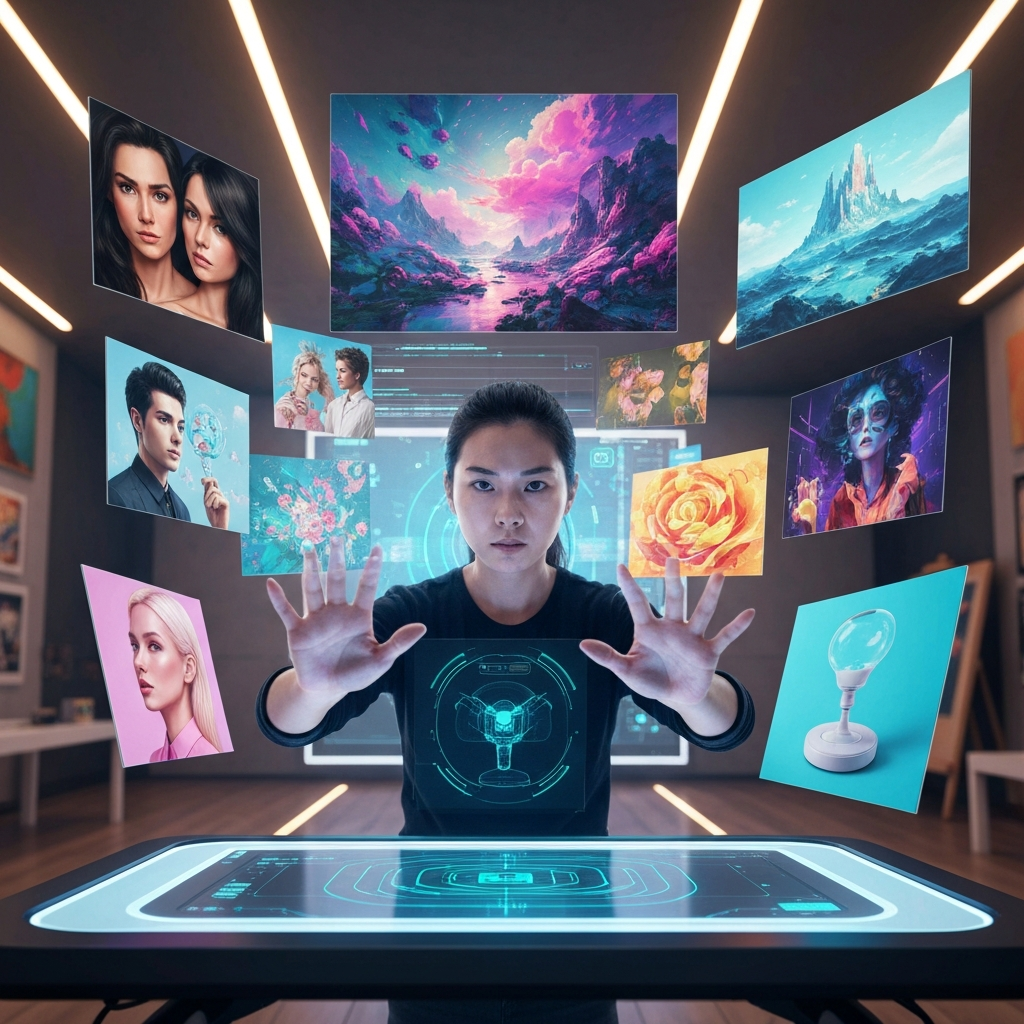
Ready to turn your ideas into stunning visuals in seconds? By 2026, AI image generation has exploded, offering boundless creative possibilities. This guide provides a detailed, A-Z roadmap from choosing the right tools and mastering prompt engineering to a complete workflow for creating the most impactful and unique AI images, staying ahead of the latest trends.
From Concept to Canvas: The AI Image Creation Revolution in 2026
The year 2026 marks an unprecedented visual revolution, with AI image generation at its core. Far from being a futuristic concept, AI has become an indispensable assistant, helping millions transform even the most abstract ideas into compelling visuals with just a few clicks or a simple text description.
In Vietnam, the demand for applying AI in content creation is surging. Google's "Year in Search 2025" report indicates a clear shift from basic queries like "what is AI" to practical applications such as "how to create AI images" or "how to make AI videos." Tools like Gemini and Pixverse AI (though Pixverse focuses more on video, Gemini is powerful for images) are leading search trends, highlighting a strong desire for personalized content powered by this technology.
So, how can you not just generate AI images, but do so with maximum effectiveness and creativity? This article will be your comprehensive guide.
What is AI Image Generation and Why is it So "Hot" in 2026?
AI Image Generation is a technology that uses artificial intelligence to convert input data (typically text, reference images, or both) into new visuals. Instead of needing professional graphic design skills, you simply describe your idea, and the AI will render a painting, illustration, photorealistic image, or even a unique piece of art.
The appeal of AI image generation in 2026 stems from its remarkable benefits:
Time and cost savings: Eliminates the need for expensive photographers, designers, or stock image purchases.
Democratization of creativity: Anyone can become a visual "artist."
Enhanced personalization: Create unique content perfectly aligned with your style and message.
Endless exploration: Experiment with thousands of ideas, styles, and color palettes in minutes.
New visual trends: AI images are shaping new social media trends, from realistic profile pictures to surreal, nostalgic, or adorable chibi art.
Top AI Image Generation Tools in 2026: Expert Choices
The AI image generation market is bustling with hundreds of options. In 2026, a clear trend is towards multi-model platforms, allowing users to flexibly switch between tools depending on their objective, as no single AI excels at everything. Here are the most noteworthy tools:
1. Gemini (Google Nano Banana 2)
Google Gemini, with its latest image generation model, Nano Banana 2 (also known as Gemini 3.1 Flash Image), has become a leading choice for Google users. Launched in February 2026, Nano Banana 2 offers high-quality image generation, diverse resolutions (from 0.5K to 4K), and significantly faster speeds.
Strengths:
Deep Integration: Default on Gemini apps, Google Search (AI mode), Lens, AI Studio.
Superior Prompt Understanding: Adheres well to complex prompts, maintaining consistency for multiple characters (up to 5) and objects (up to 14) within a single image.
Realism & Information: Leverages Gemini's vast world knowledge and real-time web search integration to create accurate depictions of real-world places and objects.
Conversational Editing: Allows image refinement using natural language, like collaborating with a creative partner.
Free Access: Top-tier features of Nano Banana 2 are now free to the public.
Copyright & Provenance: Generated images are embedded with SynthID (for AI generation/editing verification) and adhere to C2PA standards (for source verification).
2. Midjourney (Version V7 onwards)
Midjourney continues to dominate in artistic and cinematic image quality. Version V7 (if released) promises improved realism and character consistency.
Strengths:
Exceptional Artistic Quality: Sharp, deep images with sophisticated lighting and textures.
Diverse Styles: From Renaissance to Cyberpunk, capable of generating stunning concept art.
Strong Community: A rich source of inspiration and learning.
3. DALL·E 3 (via ChatGPT or Copilot)
DALL·E 3, deeply integrated with ChatGPT (GPT-4o), is highly praised for its accurate prompt understanding and ease of use. It's ideal for complex requests requiring consistency.
Strengths:
Nuanced Prompt Interpretation: Easily translates complex text descriptions into precise visuals.
Seamless Integration: Directly accessible within the ChatGPT interface, convenient for familiar users.
Realistic & Commercial Images: Suitable for product mock-ups and marketing illustrations.
4. Adobe Firefly (Version 3 onwards)
Adobe Firefly stands out for its integration into the Adobe ecosystem (Photoshop, Illustrator, Express) and its commitment to commercial safety (trained only on licensed data).
Strengths:
Copyright Safe: Training data is licensed, reducing legal risks for commercial use.
Workflow Integration: Perfect for designers already using Adobe tools.
Powerful Editing: Supports image generation, background replacement, text effects, and generative fill.
5. Stable Diffusion
As a leading open-source tool, Stable Diffusion offers maximum flexibility and control to users.
Strengths:
Deep Customization: Allows local installation, 100% data control, and creation of custom models (LoRA).
Robust Community: Abundant resources and plugins.
6. Leonardo AI
Leonardo AI is optimized for creating game assets, e-commerce visuals, and product visualizations, while also allowing the training of custom AI models.
Strengths:
Game Dev/Design Friendly: Rapidly create concept art, characters, and items.
Custom Model Training: Ability to train AI on your own datasets for consistent styles.
7. Ideogram
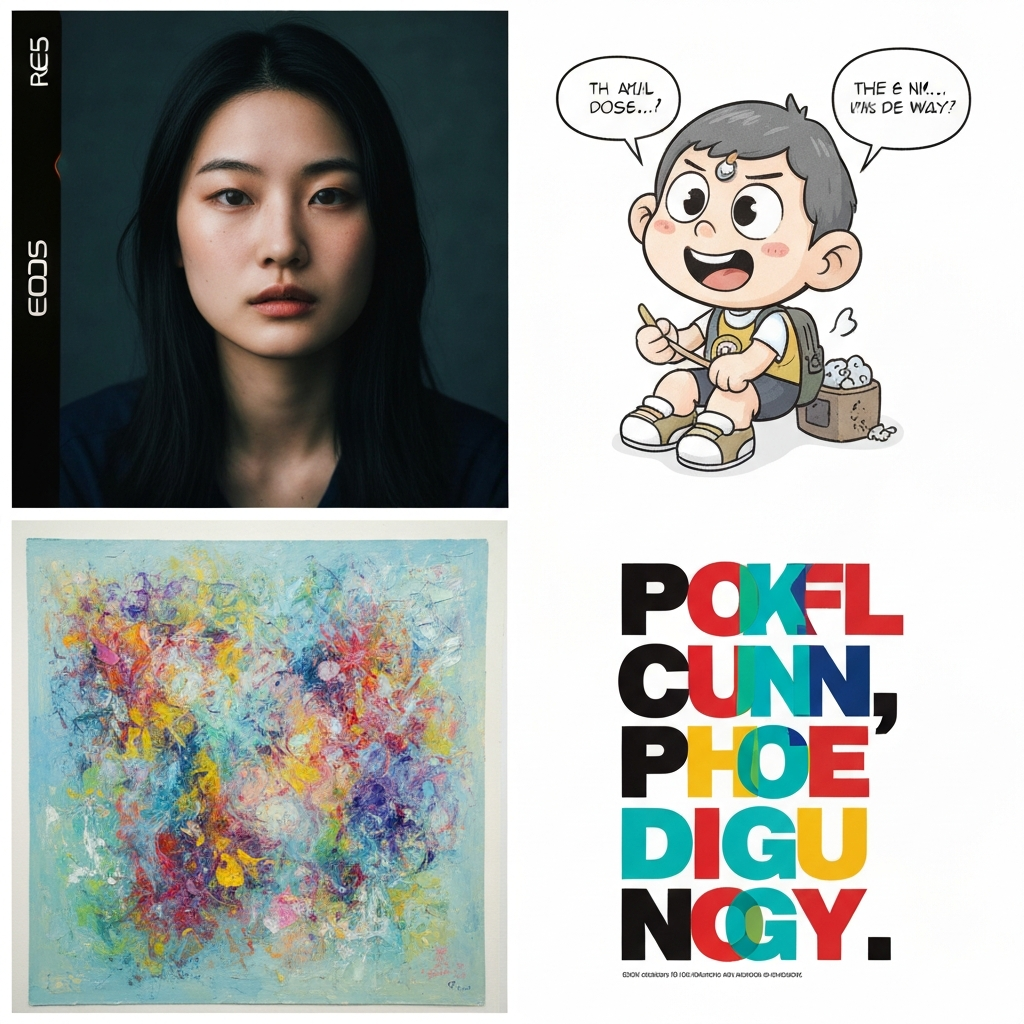
Ideogram is renowned for its accurate text rendering within images, highly useful for logos, posters, and graphic elements with embedded text.
Other Notable Tools:
Canva AI: User-friendly, free, integrated within Canva, suitable for beginners and quick designs.
Runway: A comprehensive multimedia creative platform, specializing in image, video, and diverse editing.
NightCafe: Offers multiple models, ideal for exploring unique creative styles.
The Art of Prompt Engineering: Creating the Most Effective and Creative AI Images
"Prompt engineering" is the most crucial skill for unleashing the full power of AI. A well-crafted prompt directly determines the quality and accuracy of the output image.
1. Structure of an Effective Prompt:
To ensure the AI understands your intent, an effective prompt should include the following components:
Subject: Who or what is the central focus of the image? (e.g., "A young Vietnamese woman").
Action/Pose: What is the subject doing? (e.g., "smiling gently, wearing a conical hat").
Setting/Environment: The location and surroundings (e.g., "in a lush green rice field at dawn").
Style: Photographic, painterly, cartoon, hyperrealistic, cinematic, anime, oil painting, cyberpunk, surrealism, etc. (e.g., "realistic photography style, natural lighting").
Artistic Details:
Lighting: Soft light, golden hour, backlight, dramatic, etc.
Color Palette: Warm tones, pastel colors, vibrant, monochromatic, etc.
Composition/Camera Angle: Close-up, wide shot, low-angle, aspect ratio (16:9, 1:1, 9:16).
Emotion/Mood: Joyful, melancholic, mysterious, romantic.
Quality: High resolution, 4K, detailed.
Example of an effective prompt:
"A young Vietnamese woman smiling gently, wearing a traditional ao dai and conical hat, standing in a lush green rice field at golden hour, realistic photography style, soft golden light, wide shot, cinematic composition, highly detailed, 4K."
2. Advanced Prompt Engineering Tips:
Use positive language: Focus on what you want to see, not what you want to avoid. For example, instead of "no dark colors," use "vibrant and bright color palette."
Be specific: "A garden" will yield generic results, but "A Japanese garden with blooming cherry blossoms, stone lanterns, and a red wooden bridge over a small stream" will be much more precise.
Reference artists/styles: Add "in the style of Van Gogh" or "minimalist art by Studio Ghibli" to define the aesthetic.
Use commas and parentheses: To separate ideas and emphasize key terms.
Role-Based Prompting: Ask the AI to act as a specific persona. For example: "You are a film director. Create a prompt for the following scene:...".
Chain-of-Thought (CoT): For complex tasks, break them down into steps. "Step 1: Create the character. Step 2: Place the character in the setting...".
3. Leveraging Reference Images (Image-to-Image):
Many AI tools like Gemini, Stable Diffusion, and Leonardo AI allow you to upload a source image and use it as a reference for the AI to create variations or change the style, outfit, or background while preserving the original face or main subject. This method is incredibly effective for creating personalized images, professional CV/LinkedIn photos without a studio photoshoot.
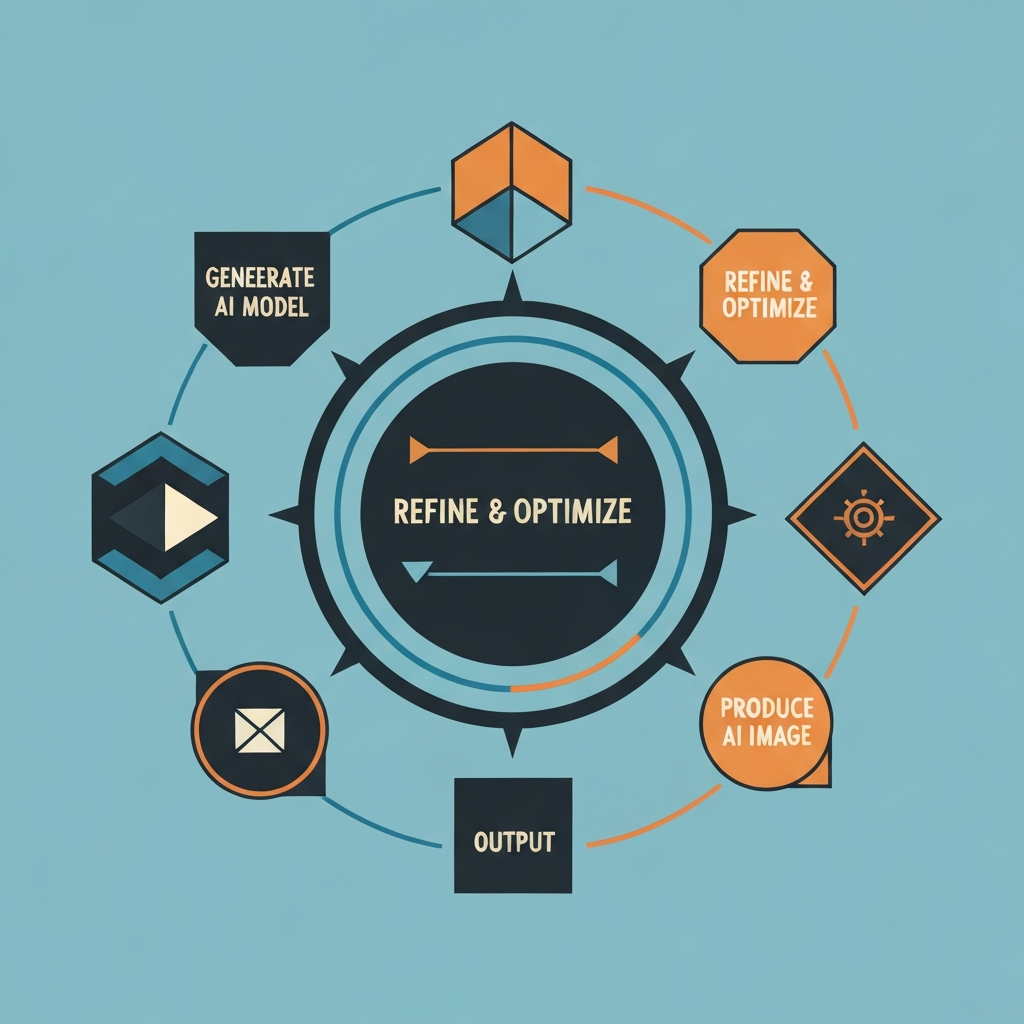
The A-Z AI Image Creation Workflow: From Idea to Finished Piece
A systematic workflow will help you maximize creativity and efficiency.
Step 1: Ideation and Goal Setting
Theme: What do you want to create an image about? A landscape, a portrait, a product concept?
Desired Style: Realistic, cartoon, painted, abstract?
Intended Use: For social media, blog posts, marketing, or just for fun?
Create a "prompt journal": Jot down daily prompt ideas, no matter how small, to capture inspiration.
Step 2: Choose the Right AI Tool
Based on your goals and desired style, select the most suitable tool from the list above:
For versatile, realistic, and user-friendly images: Gemini (Nano Banana 2) or DALL·E 3.
For high artistic quality: Midjourney.
For Adobe ecosystem integration and commercial safety: Adobe Firefly.
For deep customization and open-source flexibility: Stable Diffusion.
For game assets and custom model training: Leonardo AI.
Step 3: Write and Refine Your Prompt
Start with a simple prompt, then gradually add details about the subject, action, setting, style, lighting, color, composition, and quality.
Use reference images if you want to maintain certain elements (e.g., a face).
Iterate: AI rarely produces a perfect result on the first try. Experiment with keywords, try variations, and adjust parameters until you are satisfied.
Step 4: Iterate and Refine
After receiving the initial results, analyze how well the AI understood your prompt.
Adjust the prompt based on what you see. Add or remove details, change wording, and experiment with different styles.
Utilize the tool's "variations" or "reroll" features to explore more options.
Step 5: Post-processing and Enhancement
Even the most beautiful AI images can benefit from manual refinement:
Use AI editing tools: Tools like Adobe Photoshop with Generative Fill, or AI photo editors like Luminar Neo, can help you fix minor flaws, add/remove details, adjust composition, or even extend scenes (outpainting).
Upscaling: Enhance images to higher resolutions for professional printing or display.
Automate Workflows: For businesses, you can chain multiple AI tools into an automated pipeline from generation to editing and optimization of images in bulk, saving significant time.
Tips and Tricks for Boosting Your Creativity with AI
To truly stand out in the world of AI-generated art, go beyond basic prompts:
Combine disparate ideas: Merge two seemingly unrelated themes or styles (e.g., "futuristic architecture in a fairy tale forest").
Impose creative constraints: Sometimes, self-imposed limitations (e.g., use only 3 colors, create images based on a "dream" theme) can spark incredible creativity.
Draw inspiration from life: Observe the world around you, from architecture and fashion to nature, and transform them into prompt ideas.
Tell a story: Instead of just one image, think about a sequence of images that tell a narrative with emotion and depth.
Train Personal AI Models (LoRA): Platforms like Leonardo AI and Stable Diffusion allow you to train small AI models (LoRA) based on your own artistic style or characters, ensuring high consistency.
Practical Applications of AI Images in Life & Business
The power of AI image generation extends beyond entertainment, offering wide-ranging applications:
Marketing and Advertising: Rapidly create banners, posters, product images, and social media content, highly personalized.
Graphic Design: Generate concept art, product mock-ups, illustrations for books and articles.
Personal Branding: Create professional profile pictures for CVs and LinkedIn without studio costs.
Education: Illustrate lectures, learning materials, and presentations.
Art and Crafts: Explore new ideas, create unique artworks for display or sale.
Conclusion: AI – Your Creative Ally
In 2026, AI image generation has moved far beyond the experimental phase to become an essential tool for anyone looking to create high-quality visual content efficiently and creatively. From giants like Google Gemini and Midjourney to specialized platforms like Adobe Firefly and Leonardo AI, the choices are vast.
The most important aspect is not which tool is "the best," but how you use it. Mastering the art of prompt engineering, understanding the workflow, and continuously exploring your own creative boundaries will allow you to harness AI's full potential.
The digital world values personalization and uniqueness. Bring your "paper" ideas to vivid life with the help of AI, and remember that the elegance of handmade products is also a wonderful way to express personal style. Visit tranhchi.com to discover unique string art pieces, where artisanal creativity and traditional artistic spirit are elevated!